Private · Lesson 4 · ~7 min
End of Life Done Right.
Some devices really do reach the end. The battery is unrepairable, the screen shattered, the motherboard dead. Or you simply can't repurpose it any further.
This lesson is about how to retire a device responsibly: protecting your data, finding it a second life through donation if possible, and choosing the right recycling route when not. There are three things to get right — in this order.
Three steps, in order
Data first, donation second, recycle third
1. Wipe the data first. Before anything else. Photos, messages, banking apps, saved passwords, work documents — once the device leaves your possession, you no longer control any of it. Section below covers exactly how.
2. Try donation before destruction. A device you consider dead is often still useful to someone else — students, refugees, low-income families, schools. In Luxembourg, Digital Inclusion runs exactly this kind of programme. Section below covers the details.
3. Recycle only as the last step. When donation isn't possible — because the device truly doesn't work, or won't power on — recycling through a certified e-waste channel is the right answer. Throwing electronics in regular household waste is illegal under EU directive 2012/19/EU (the WEEE Directive) and harmful: electronics contain lithium, lead, mercury, and recoverable metals that pollute groundwater if dumped.
Get step 1 wrong and your data could leak. Skip step 2 and you may waste a device that could have helped someone. Skip step 3 and you've made the environmental problem worse, not better.
Correct.
Not quite — review the section above.
Step 2 — Donation first, in Luxembourg
Digital Inclusion is the textbook route
What they accept:
• Working laptops, desktops, monitors
• Smartphones (recent enough to still receive security updates)
• Tablets
• Network equipment
• Devices with the storage drive removed for security — they can re-image the device with a fresh OS
What they cannot use:
• Devices older than ~10 years (too old to install modern Linux comfortably)
• Devices with non-functional displays, motherboards, or batteries that can't be replaced economically — those should go to Step 3, recycling
Why this is the right step before recycling: a five-year-old laptop that feels too old for you is often someone's first computer. It transforms access to education, work, and digital services. The carbon math also works: every donated device avoids one new manufacturing cycle, saving 200–400 kg CO₂e.
Step 3 — Recycle through the right channel
Luxembourg has good infrastructure for this
Luxembourg has three solid channels, all free for private users:
1. SuperDrecksKëscht (SDK) — the national hazardous-waste and e-waste programme. Free drop-off at municipal collection points across Luxembourg, plus mobile collections that visit smaller municipalities on a published schedule. Accepts everything: phones, laptops, monitors, batteries (including swollen ones), cables, small and large appliances.
2. Ecotrel — Luxembourg's producer-responsibility organisation for electronics. Operates collection points and coordinates retailer take-back. Same materials as SDK; complementary network.
3. Retailer take-back. By EU law, electronics retailers must accept your old device when you buy a new equivalent — even if you didn't buy the new one from them. Stores larger than 400 m² must also accept small items (<25 cm) any time, no purchase required. So when you buy a new laptop, you can hand over your old one at checkout.
Correct.
Not quite — review the section above.
What gets recovered, and what gets lost
The honest end-of-pipe picture
• Aluminium chassis — recoverable at near 100 %. Recyclable indefinitely with low energy cost.
• Copper in cables and motherboard traces — recoverable at ~95 %.
• Gold and silver in connectors and integrated circuits — recoverable at ~70–80 % with good processing.
• Lithium and cobalt in the battery — recoverable at ~50–70 %, increasingly important as EU classifies them as Critical Raw Materials.
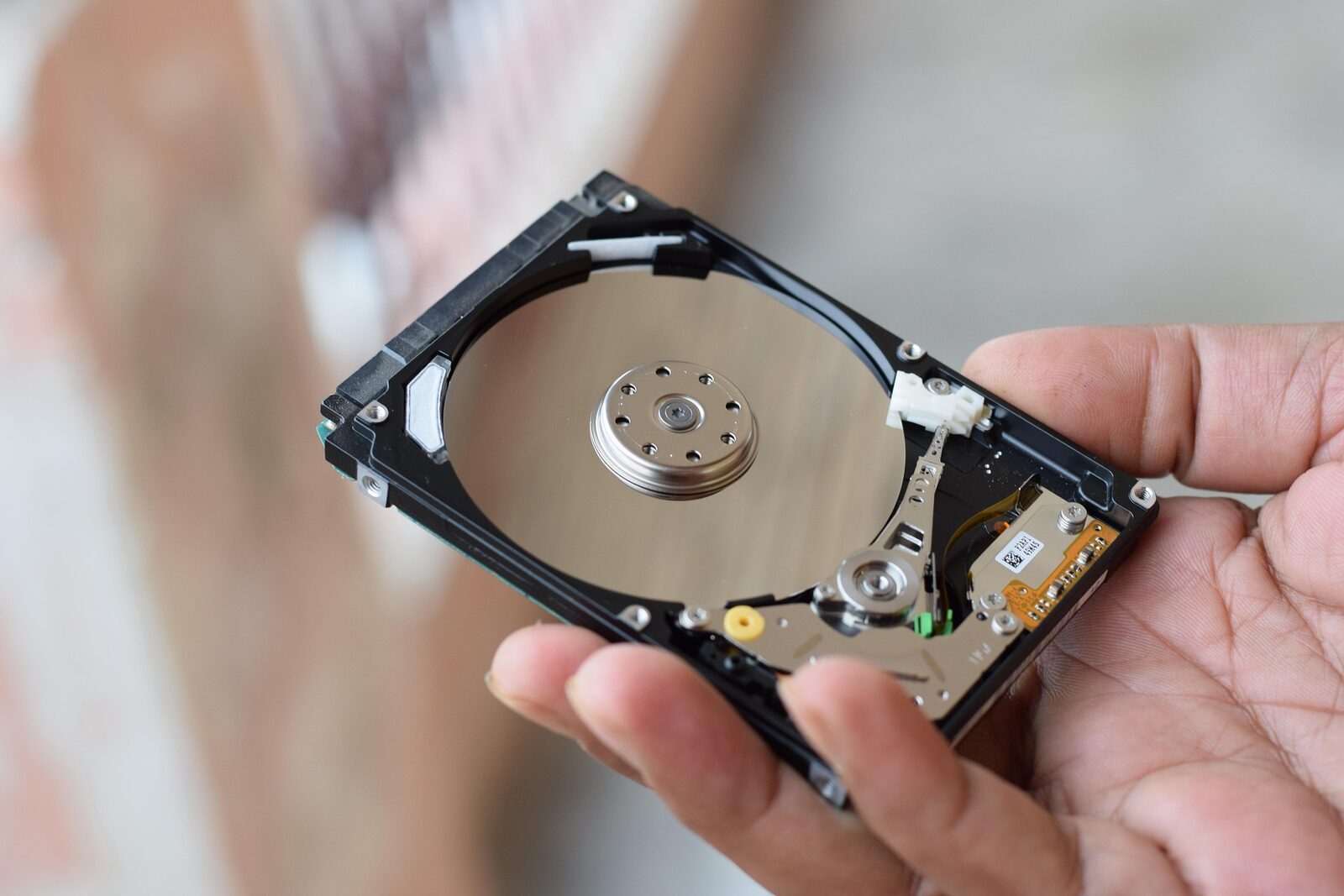
• Rare earths (neodymium, dysprosium in speakers and hard-drive magnets) — recoverable at <30 % with current technology. The integrated circuit is essentially destroyed.
This is the real reason the 4 R's are an ordered hierarchy, not a list. Recycling loses material. Every step above it preserves more of the original investment. Reuse loses nothing. Recycling loses something every time.
You've completed the Private Devices path
Where to go from here
The natural next step is the Green IT Ambassador — Private Devices certificate assessment: 12 questions (5 from the shared Foundations pool, 7 from the Private-specific pool), 75 % to pass, ~18 minutes. The certificate is downloadable as a PDF with a verification code — useful for LinkedIn, internal training records, or just a self-reward.
If you also make decisions for an IT team at work — procurement, fleet lifecycle, CSRD reporting — the Professional Devices path covers that ground. The Private and Professional paths overlap surprisingly little; both reward separately.